PhotoOrganista
Take control of your photos and videos with a fast, powerful and open standard photo and video asset manager.
For Mac and iPad
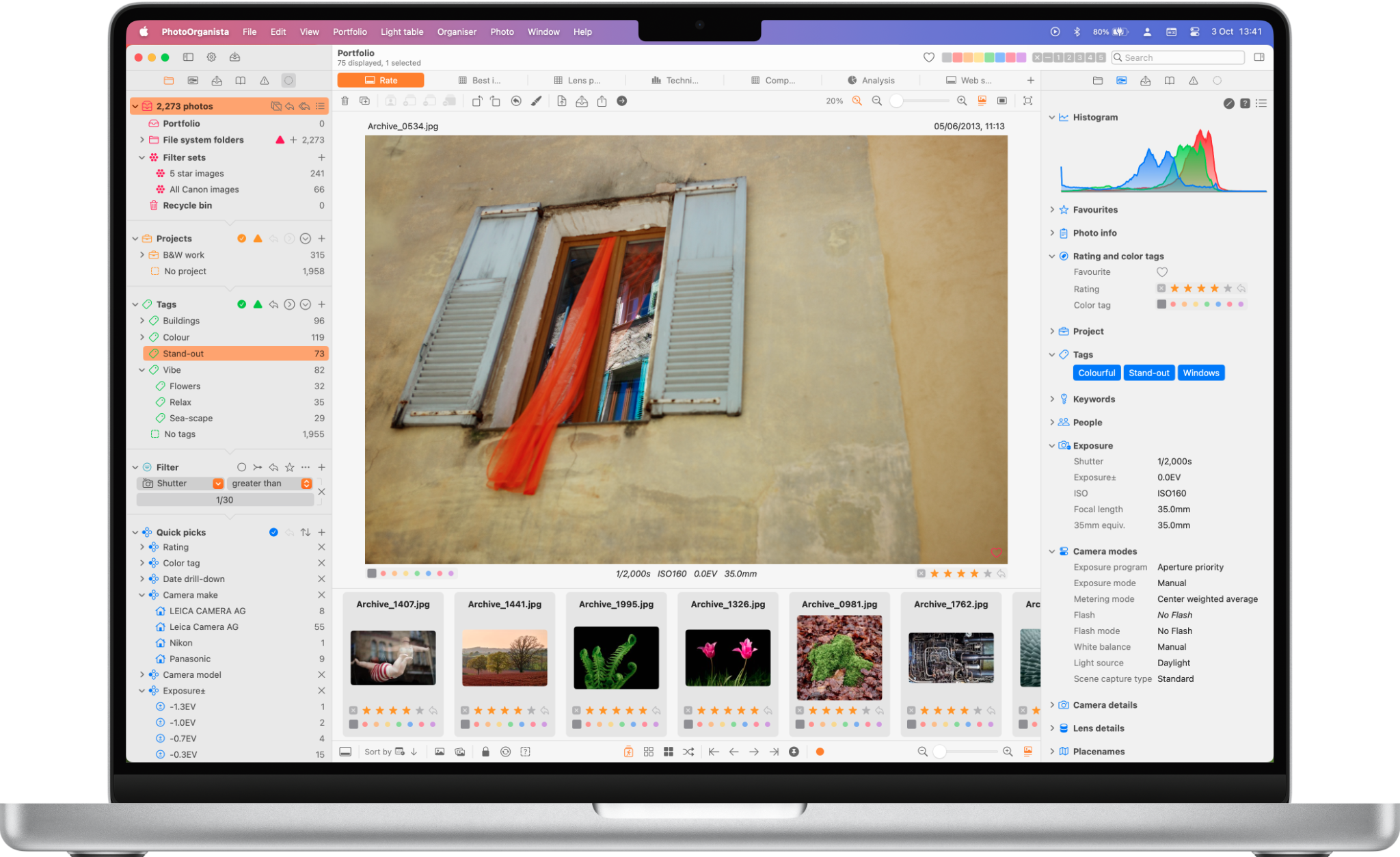
- 650+camera RAW formats supported
- 85+photo properties
- 1,000photos in the free trial, with no time limit
- 0data collected
See what users from around the world are saying
By far the best compared to others I've tried and discarded over the years since Aperture died.
This appears to be a genuinely singular app for iPadOS. Good luck finding anything else like it!
This app provides all the functionality that I wished for in a photo organising app.
Very powerful and affordable! The developr is always ready to answer questions: very professional which is rare today. I highly recommend!
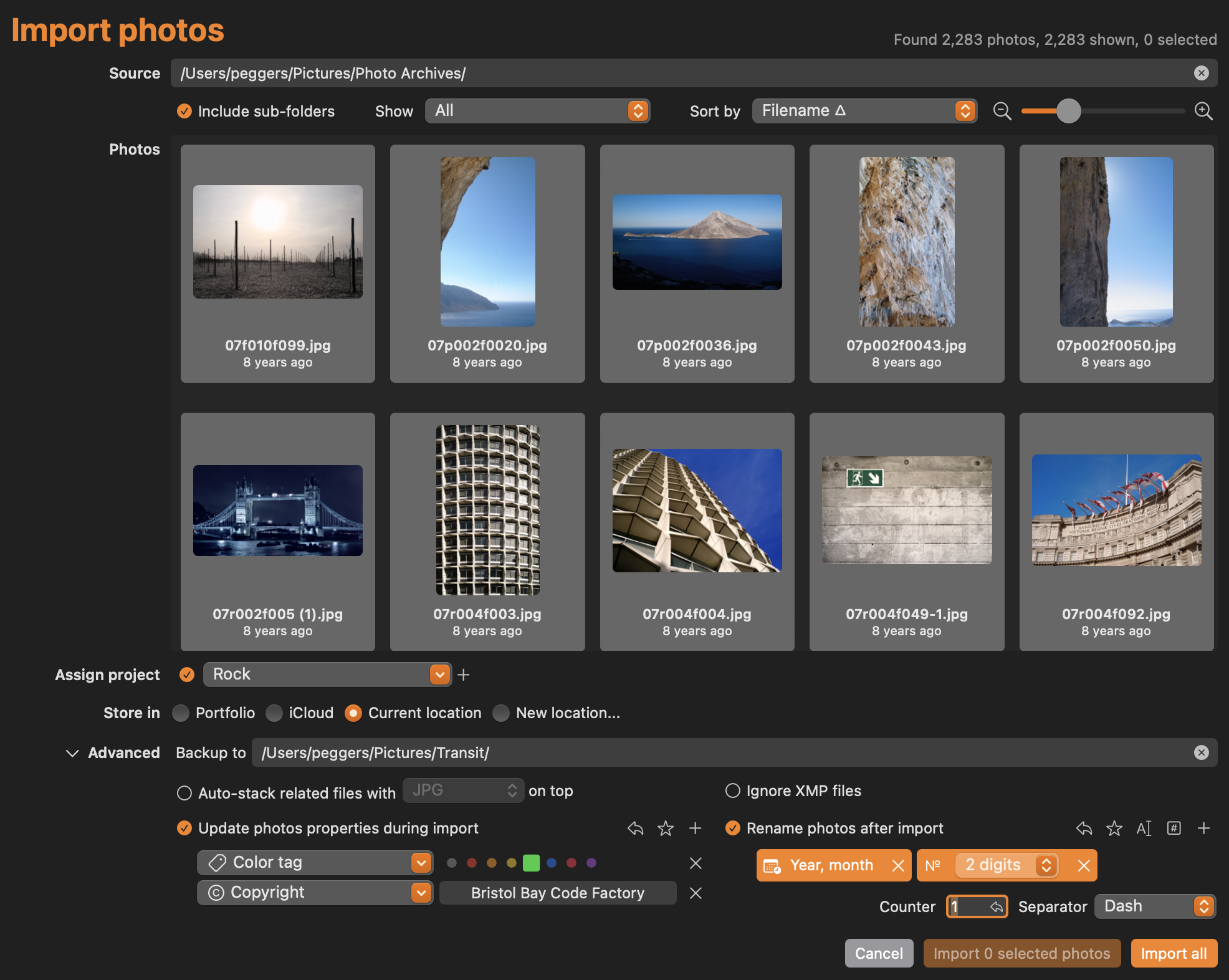
Import
Import photos and video
- Supports over 650 camera RAW formats, plus JPEG, HEIC, PNG and TIFF
- In addition works with common video formats: MP4, MOV, AVI and MPEG-4
- Rename files, add metadata, AI keywords and backup copies during import
- Store your photos in your own folders, or let PhotoOrganista archive them for you in its Portfolio
Organise
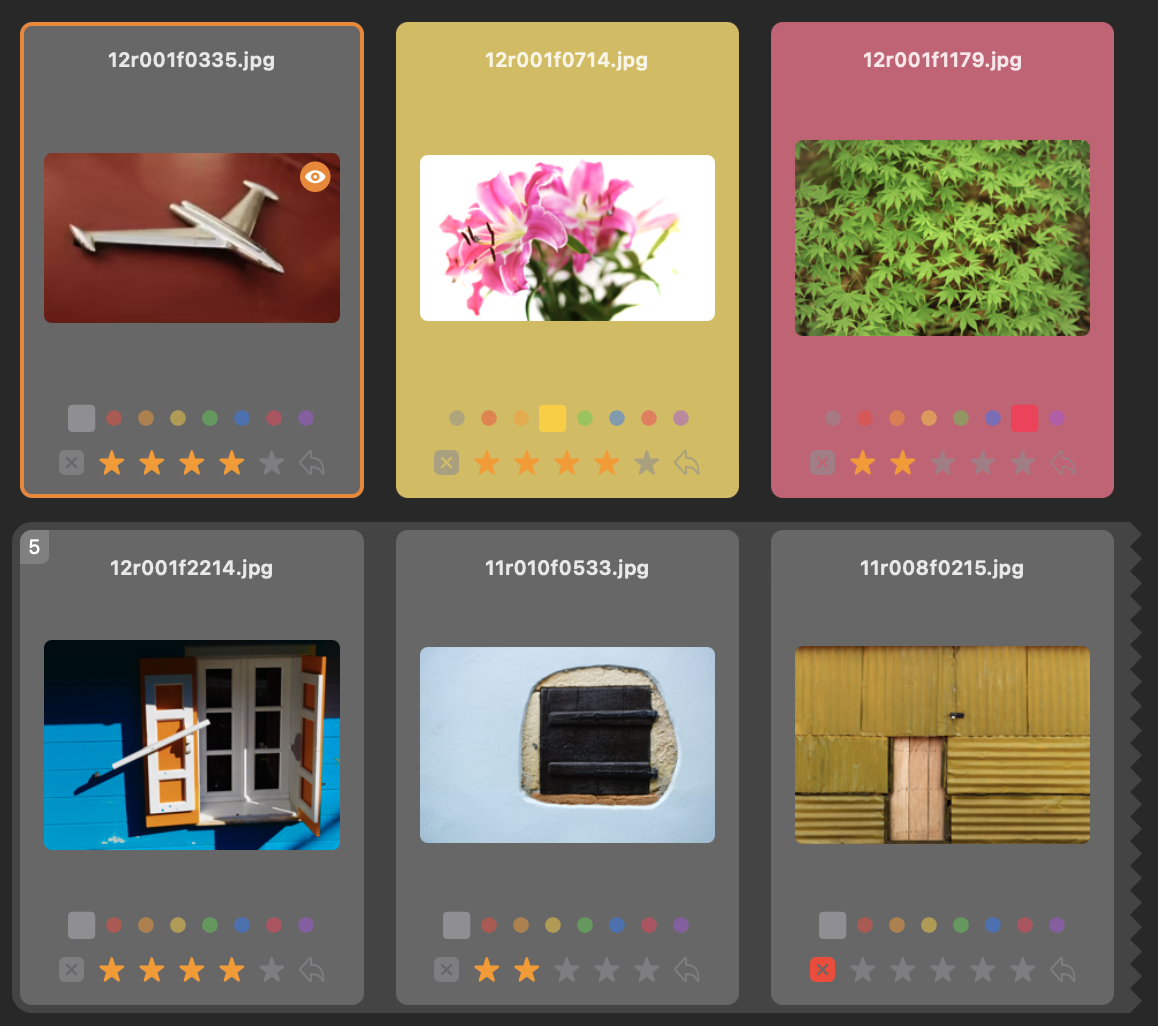
Rate, tag and stack
- Rate, color-tag and favourite with a single click
- Add keywords automatically with AI
- Group photos using stacks
- Assign projects and build hierarchical tags for group searches
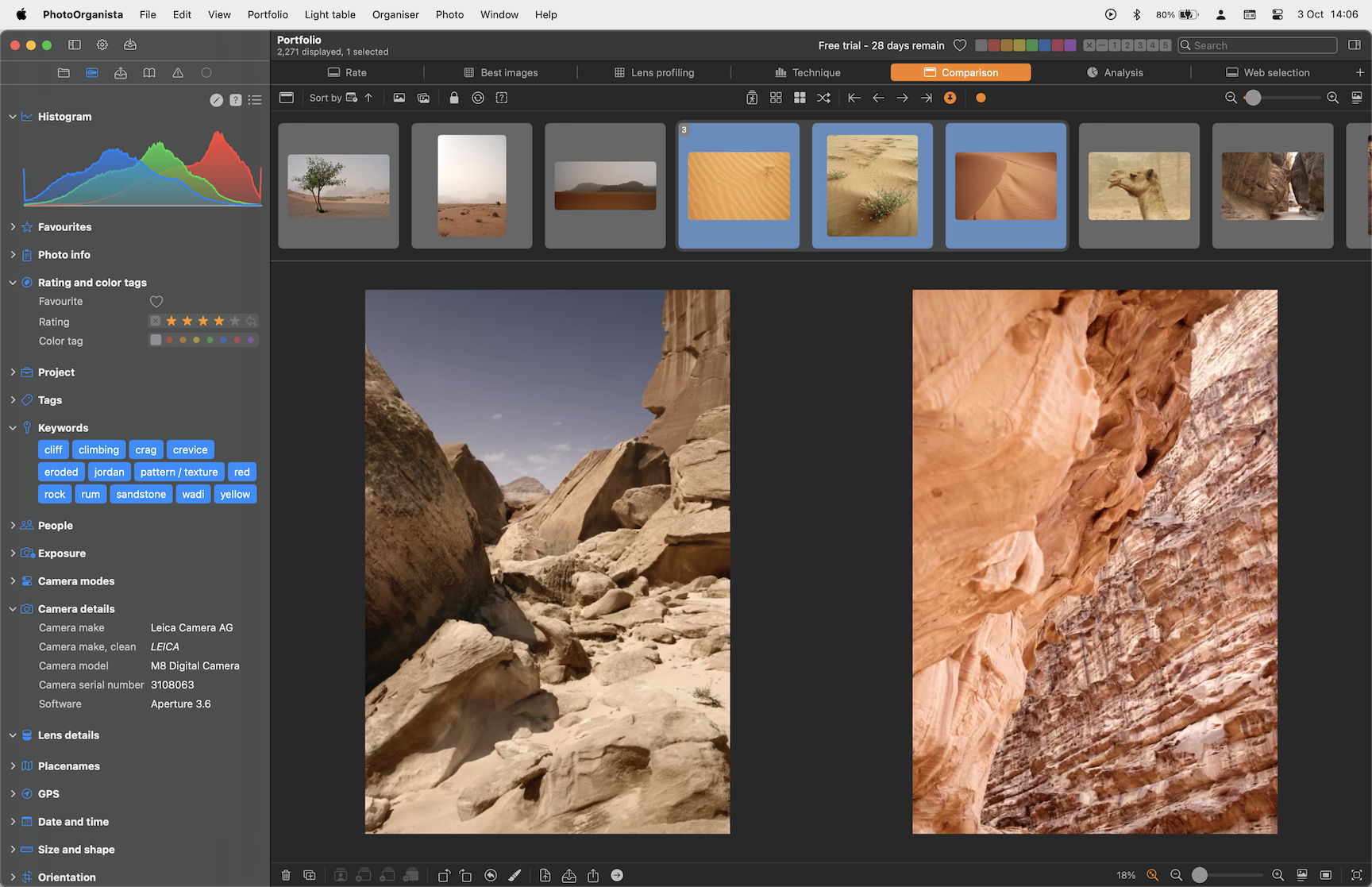
Compare
Compare photos side by side
Find
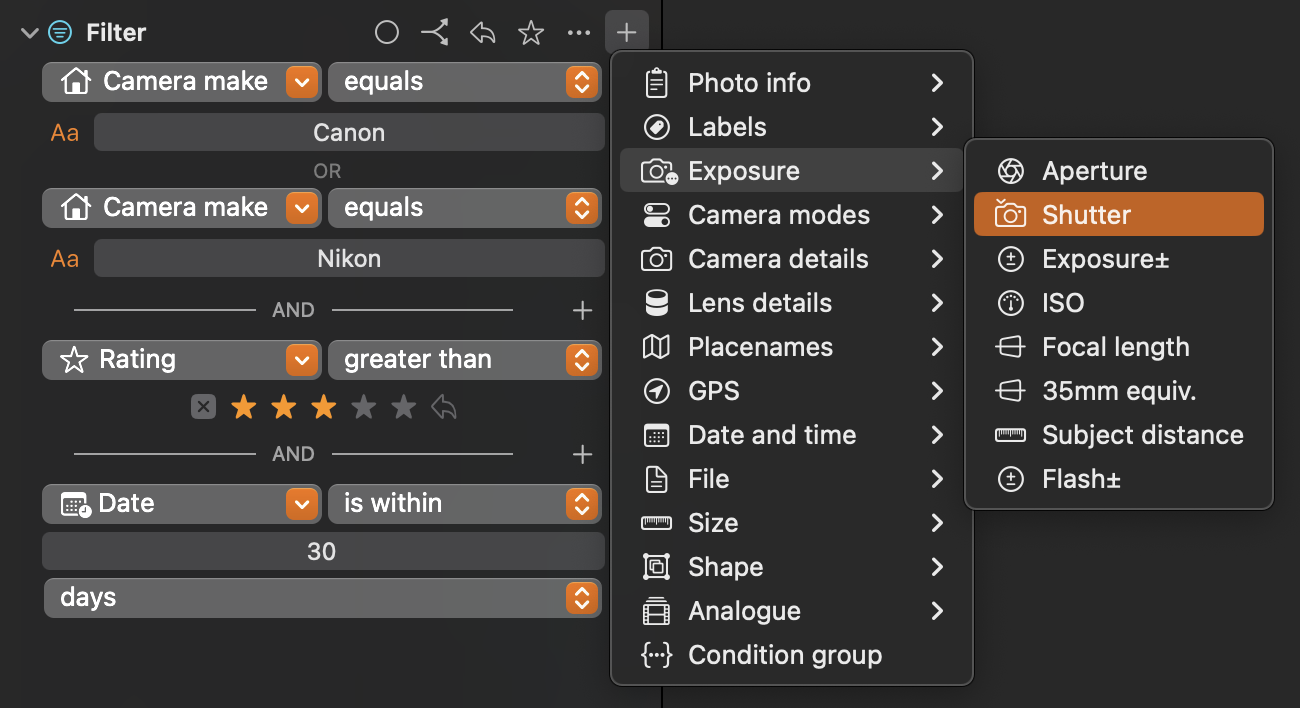
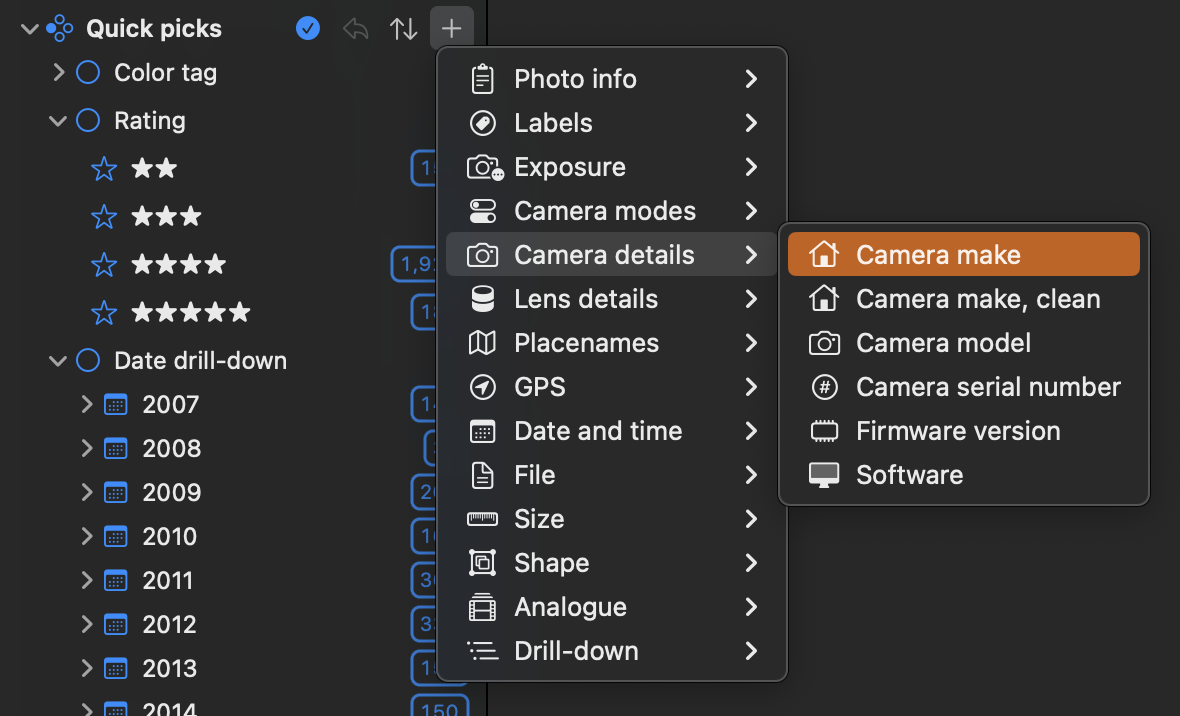
Search and filter
- Search using a combination of projects, tags, filters, QuickPicks, Snap Filters and global text search, and sophisticated filter using any metadata fields.
- Save your favourite searches and light table layouts so they're one click away next time.
Metadata
Work with your metadata
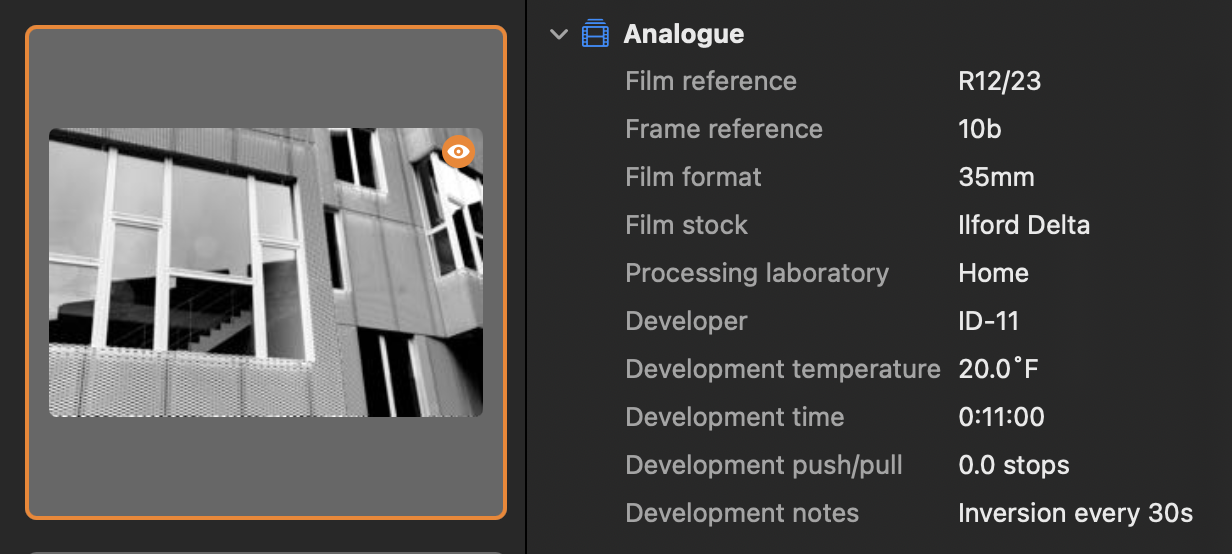
- Work with more than 85 photo properties
- Dedicated fields for professional photographers and analog film shooters.
- Metadata: view, bulk-update, and check consistency, whilst preserving your original files.
- Bulk rename, using photo property based patterns.
- No lock in - share or migrate metadata via industry open standard XMP sidecar files.
Analyse
Charts and pivot tables
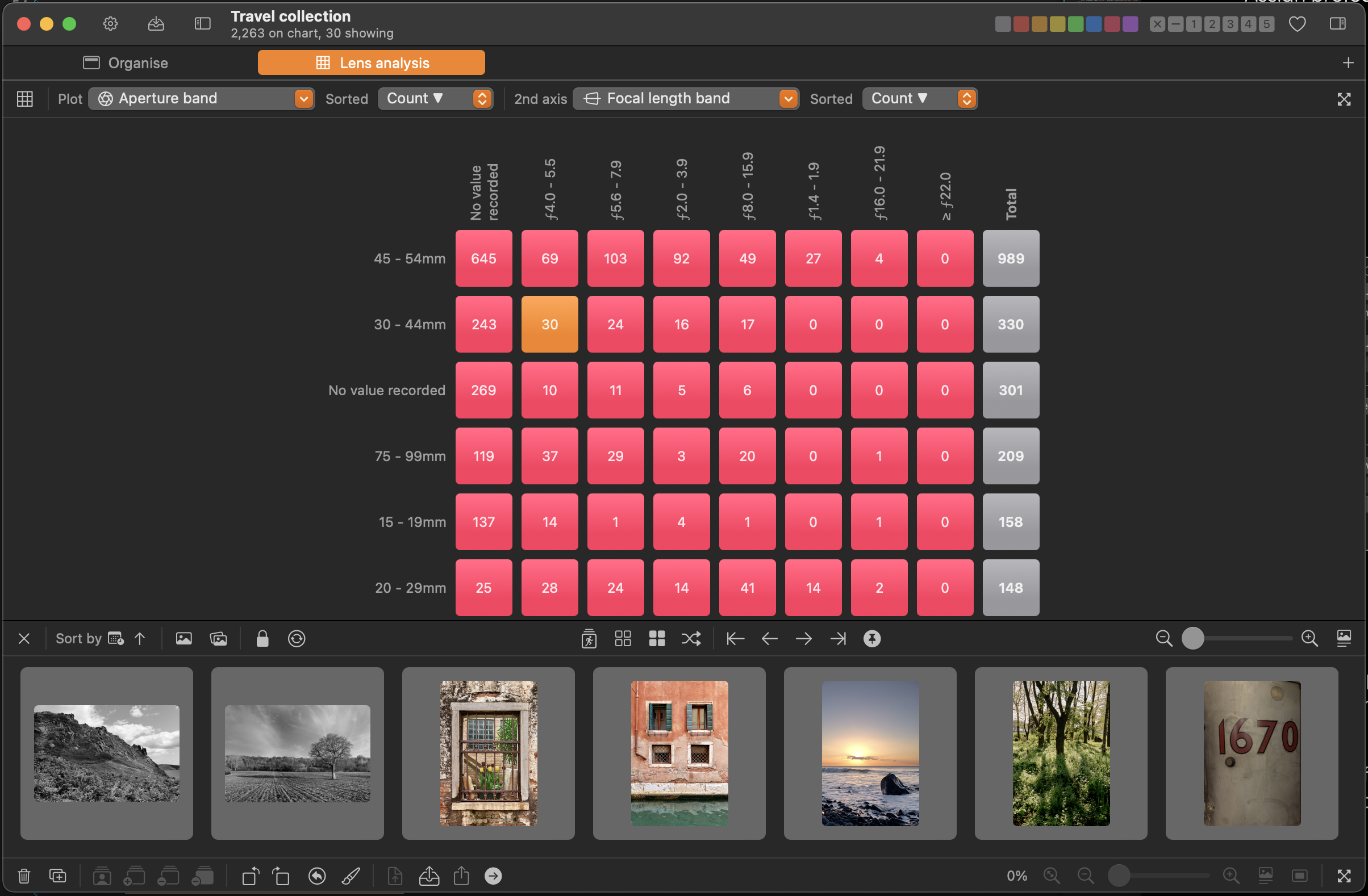
- Turn your metadata into insight with bar charts and pivot tables.
- Group ISO, aperture, shutter speed, focal length and subject distance into bands to see which settings you really use, spot patterns in your technique and make smarter gear decisions.
- Export as CSV files for further analysis
Customise
Customise to your workflow
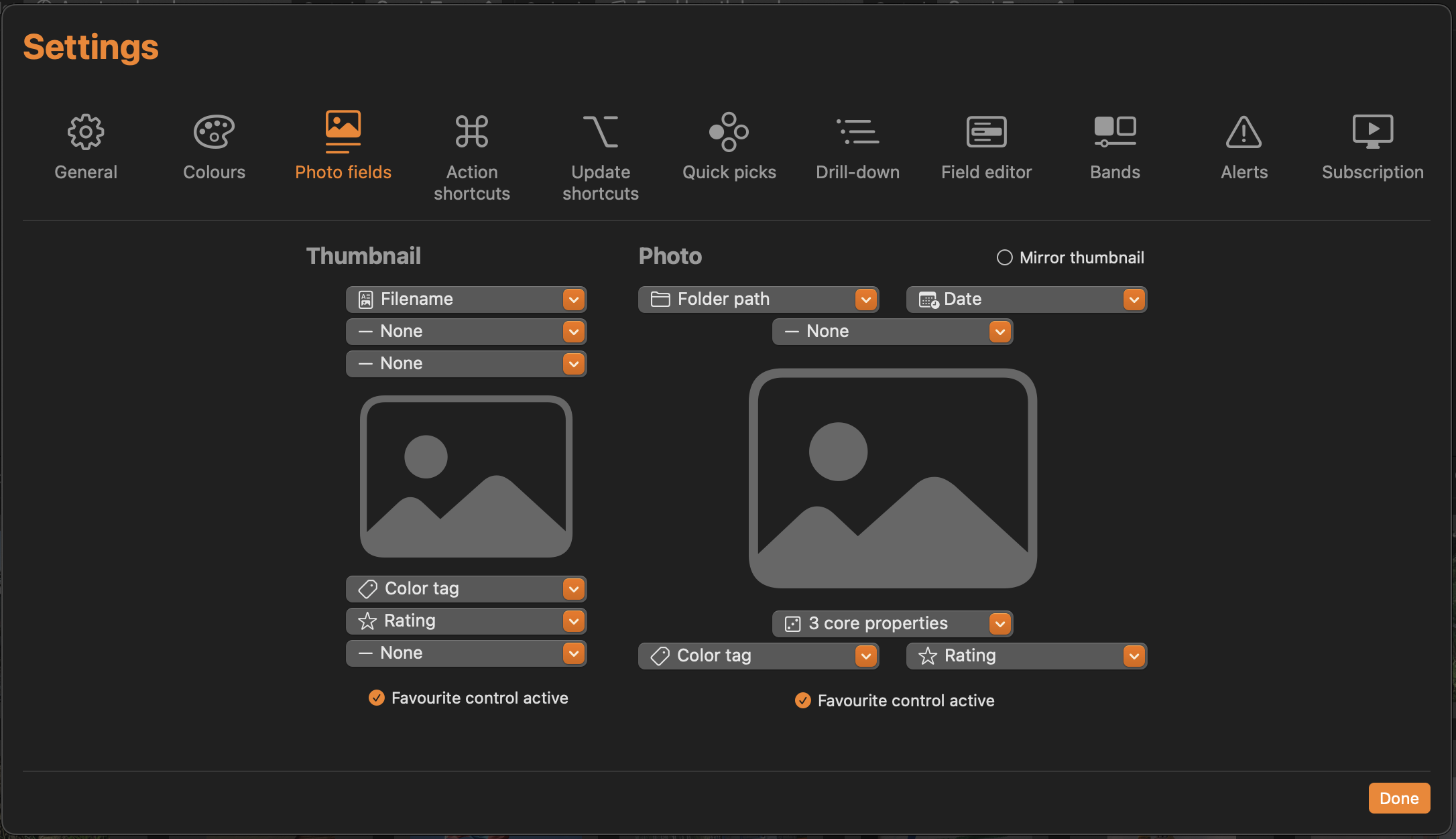
- Customize colors, layouts, keyboard shortcuts, tool visibility, QuickPick drill-downs, field options and more.
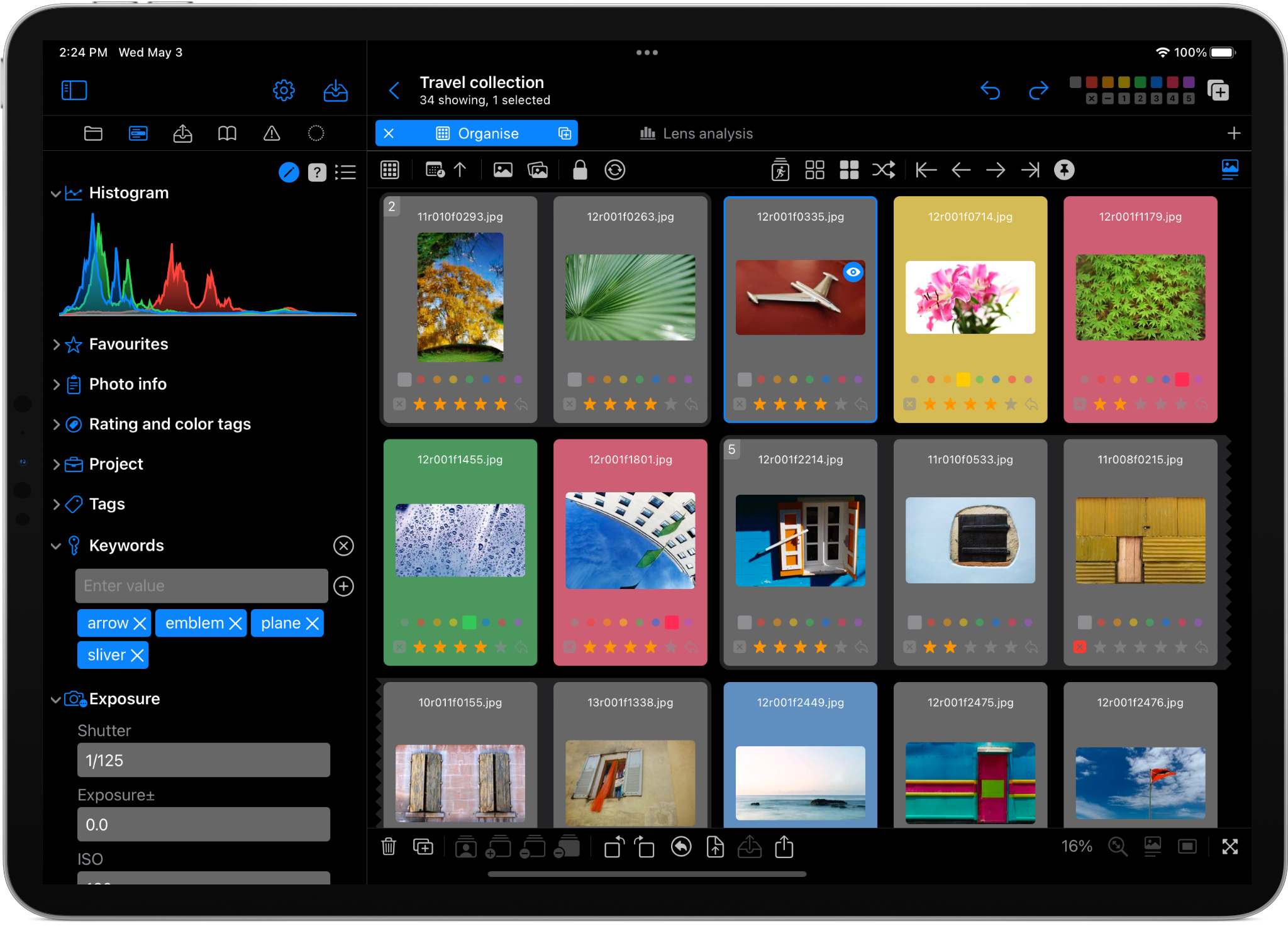
iPad
Open and edit your portfolio on the iPad app
One-off lifetime purchase covers both Mac and iPad apps
- The free trial is not time limited.
- It simply restricts you to viewing the first 1,000 photos you import.
- When you're ready, unlock everything with a single lifetime purchase that covers both Mac and iPad.
- No subscription, no recurring fees.
PhotoOrganista is private by design
- PhotoOrganista does not collect any data from the app.
- No account or login requirement. Your photos and metadata stay yours.
Frequently asked questions
Is PhotoOrganista a subscription?
No. PhotoOrganista is a one-off lifetime purchase that covers both the Mac and iPad apps. There are no subscriptions or recurring fees.
Is there a free trial?
Yes. The free trial is not time limited. It simply restricts you to viewing the first 1,000 photos you import. When you're ready, unlock everything with a single lifetime purchase.
Does PhotoOrganista collect my data?
No. PhotoOrganista does not collect any data from the app. There is no account or login requirement, and your photos and metadata stay yours.
Can I take my metadata to other software?
Yes. Your data and updates are not locked in PhotoOrganista. You can share or migrate via industry standard XMP sidecar files.
Which file formats does PhotoOrganista support?
Over 650 camera RAW formats, plus JPEG, HEIC, PNG and TIFF. It also works with common video formats: MP4, MOV, AVI and MPEG-4.
PhotoOrganista is your fast, flexible, affordable and open Digital Asset Manager.
Download from App Store and start the free trial today