PhotoStatistica
PhotoStatistica enables you to see the BIG picture.
For Mac and iPad
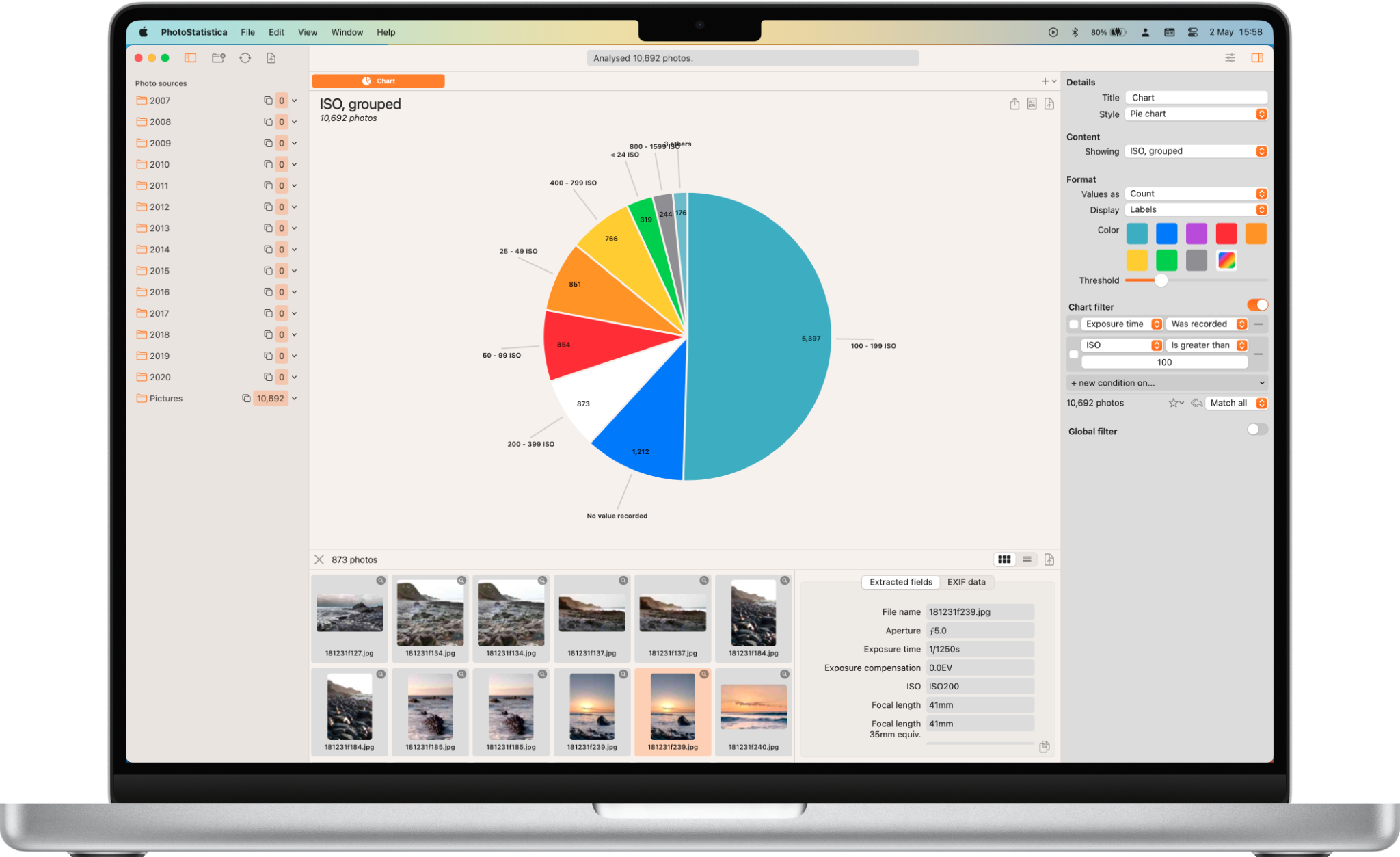
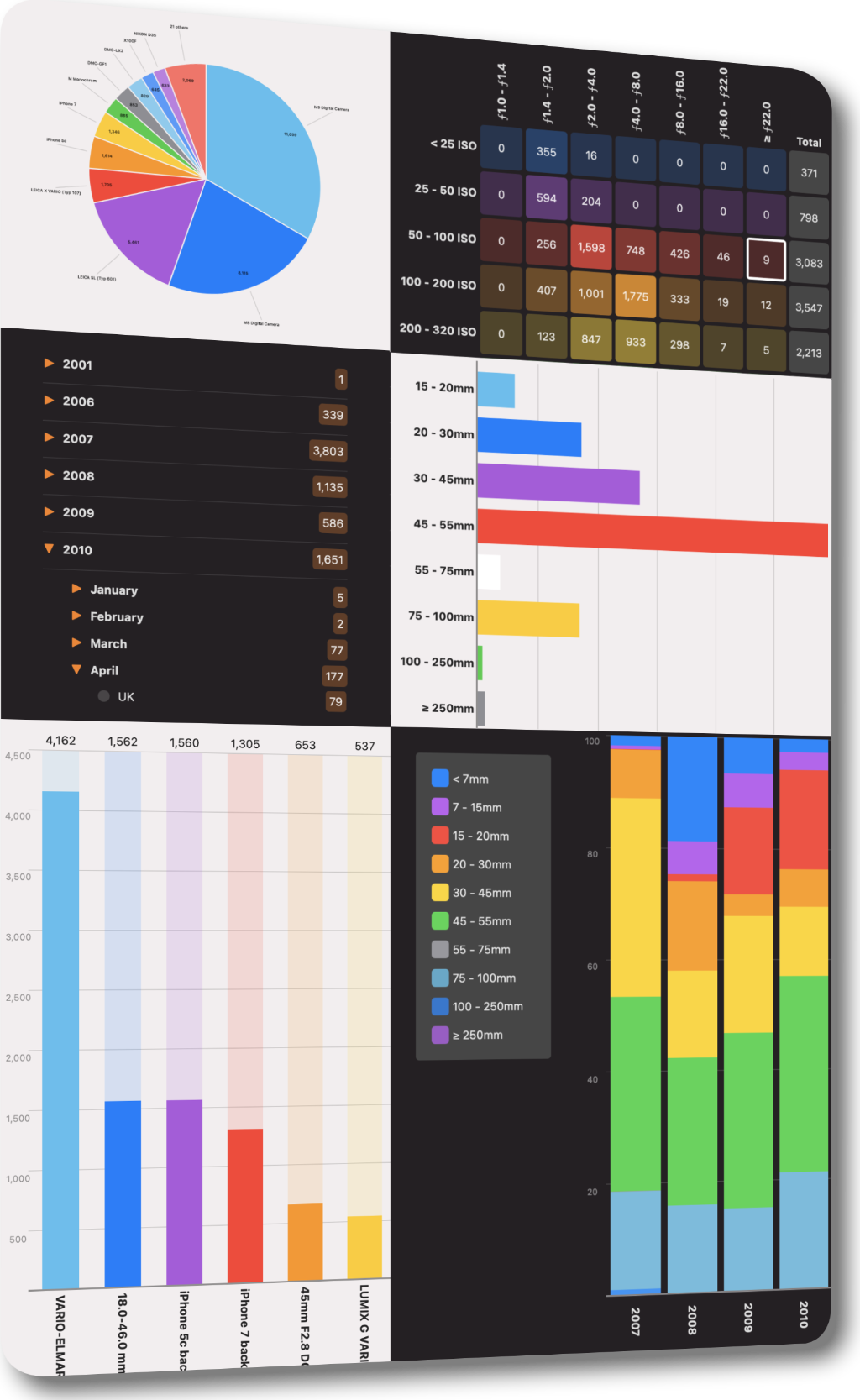
- 7chart styles
- 60+EXIF elements to analyse
- CSV + PNGexport formats
- Mac + iPadone purchase covers both
How it works
From EXIF data to charts
- Import
Import EXIF data from photos held in directories, Lightroom or Capture One Pro libraries
- Chart
Use 7 different styles of charts to analyse over 60 different EXIF elements
- Filter
Apply powerful filters to focus your research
- Drill down
Drill down into groups of images and inspect their individual EXIF settings
- Export
Export EXIF data in CSV format and save charts as PNG files
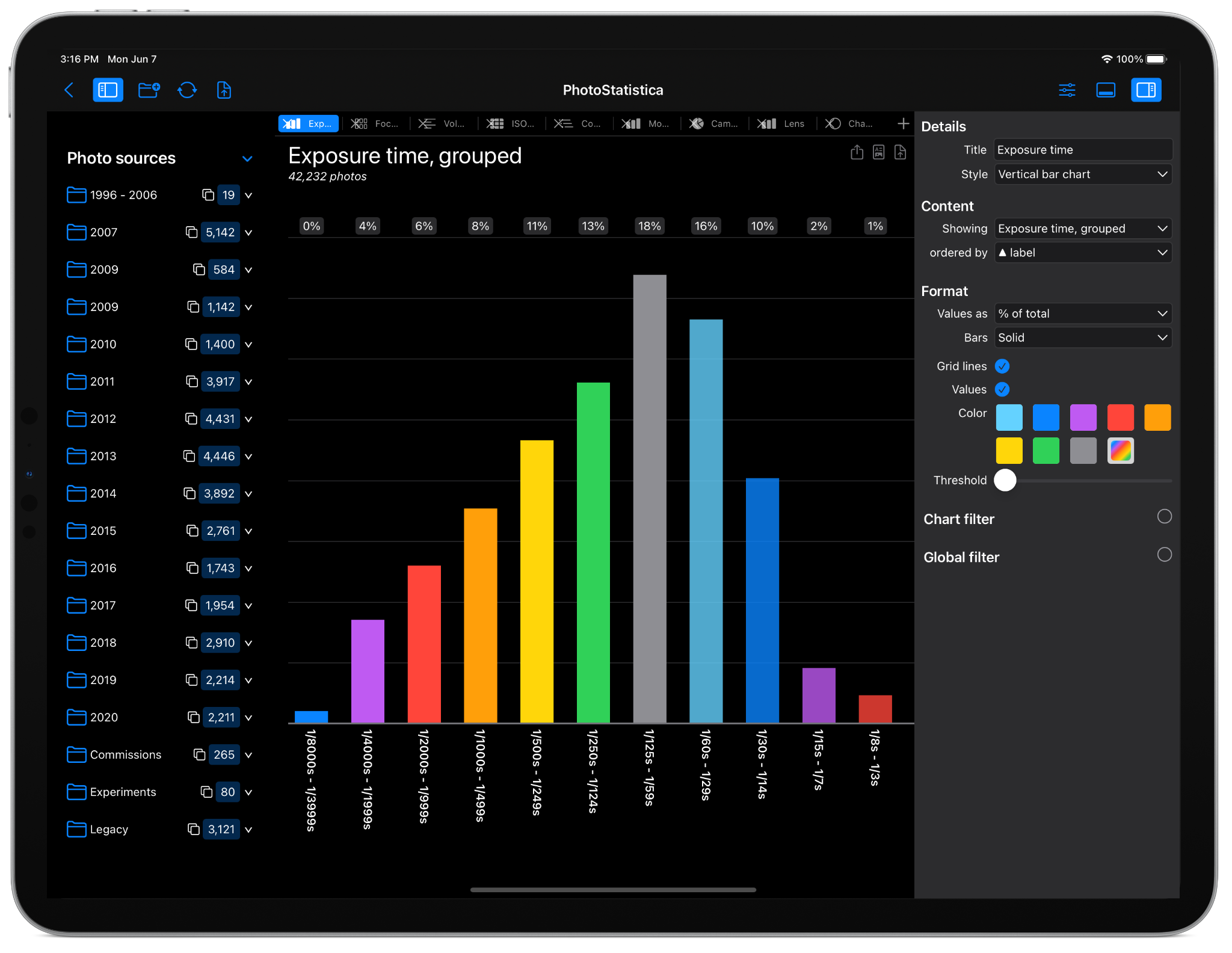
iPad
Also available on iPad
See what users from around the world are saying
It is so well done, intuitive and powerful that I find it really fascinating and also extremely insightful.
After using PhotoStatistica I feel more confident that I would put a 70-200mm lens to good use.
This is a powerful app that lets you analyse your photos... in so many ways.
This is very helpful software if you're dealing with large photo collections.
Frequently asked questions
What does PhotoStatistica do?
PhotoStatistica lets you visualise the EXIF metadata across your photo archives. Use 7 different styles of charts to analyse over 60 EXIF elements, spot patterns in your photography and make better gear decisions.
Where can PhotoStatistica import photos from?
From photos held in directories, or in Lightroom or Capture One Pro libraries.
Can I export my results?
Yes. Export EXIF data in CSV format and save charts as PNG files.
Does PhotoStatistica work on iPad as well as Mac?
Yes. A purchase includes both the MacOS and iPad apps.
No digital camera bag is complete without PhotoStatistica